plyce · AI Agent #13
Use context-aware AI dictation in your recruiting CRM
An in-depth product guide from plyce
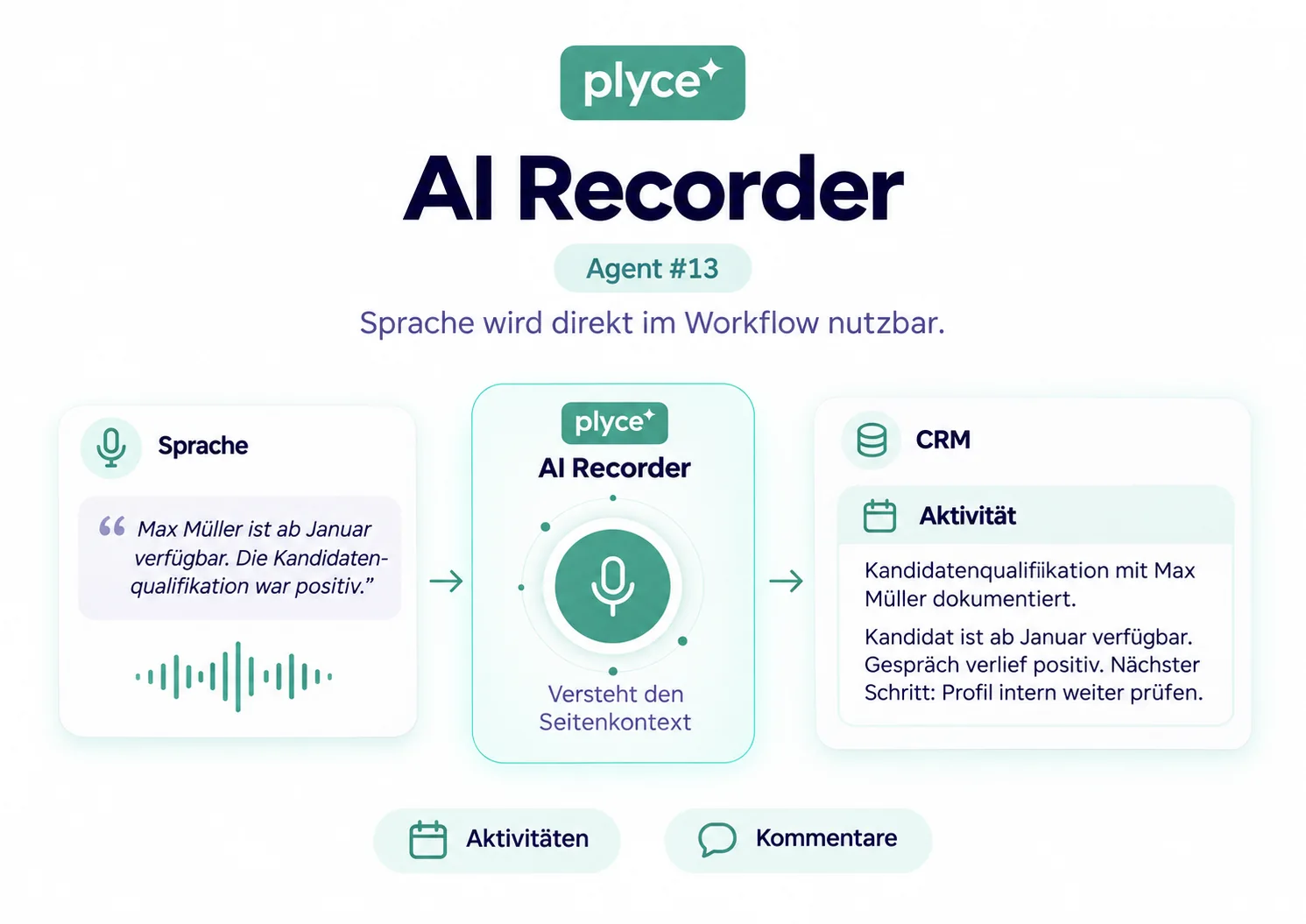
Recruiters spend much of their day typing call notes, comments and tasks. Repeated text entry takes time and sometimes leads to incomplete CRM histories.
AI Recorder brings voice input into different parts of plyce and prepares the dictated information in a format suited to the current workflow.
Speech-to-text versus context-aware dictation
Basic speech recognition converts spoken words into text. A contextual AI workflow can prepare that text for a specific purpose such as a candidate activity, comment or task note.
The agent's value comes from being available where the information will actually be used.
Everyday recruiting use cases
Typical situations include documenting a quick phone update, summarising a candidate's availability or recording a next step.
The original article describes configurable prompts to adjust style, detail and structure for an agency's workflow.
- Dictate short recruiting notes
- Prepare readable CRM activity text
- Capture tasks and next steps
- Review information before saving
A small time saving repeated many times
The goal is not to replace meeting analysis but to simplify frequent individual data-entry tasks. AI Recorder is designed for active voice input; Meeting Tracker works with existing meeting notes.
Names, dates, rates and specialist terms should always be checked, especially when entered by voice.
Example: Dictating a candidate update
A recruiter wants to record the outcome of a short availability call.
- 1
Open the appropriate candidate activity.
- 2
Dictate the main outcome using AI Recorder.
- 3
Review dates, conditions and the structure of the text.
- 4
Save the confirmed activity and any follow-up task.
The candidate history stays useful without requiring lengthy manual typing.
Frequently asked questions
Is AI Recorder only speech-to-text?
No. The article describes context-sensitive formatting for the current CRM workflow.
How is it different from Meeting Tracker?
AI Recorder handles active dictation. Meeting Tracker analyses existing meeting notes or transcripts.
Can output style be configured?
The original agent article describes prompt settings to adjust structure, tone and level of detail.